Red Elephant 36 Designs
Gang Sheet Builder
Gang Sheet Builder
COMING JANUARY 1, 2026!!!! PLEASE DO NOT PLACE ANY ORDERS BEFORE JANAUARY 1, 2026. Any orders placed before January 1, 2026 will be cancelled and unfortunately no refunds will be provided. Thank you.
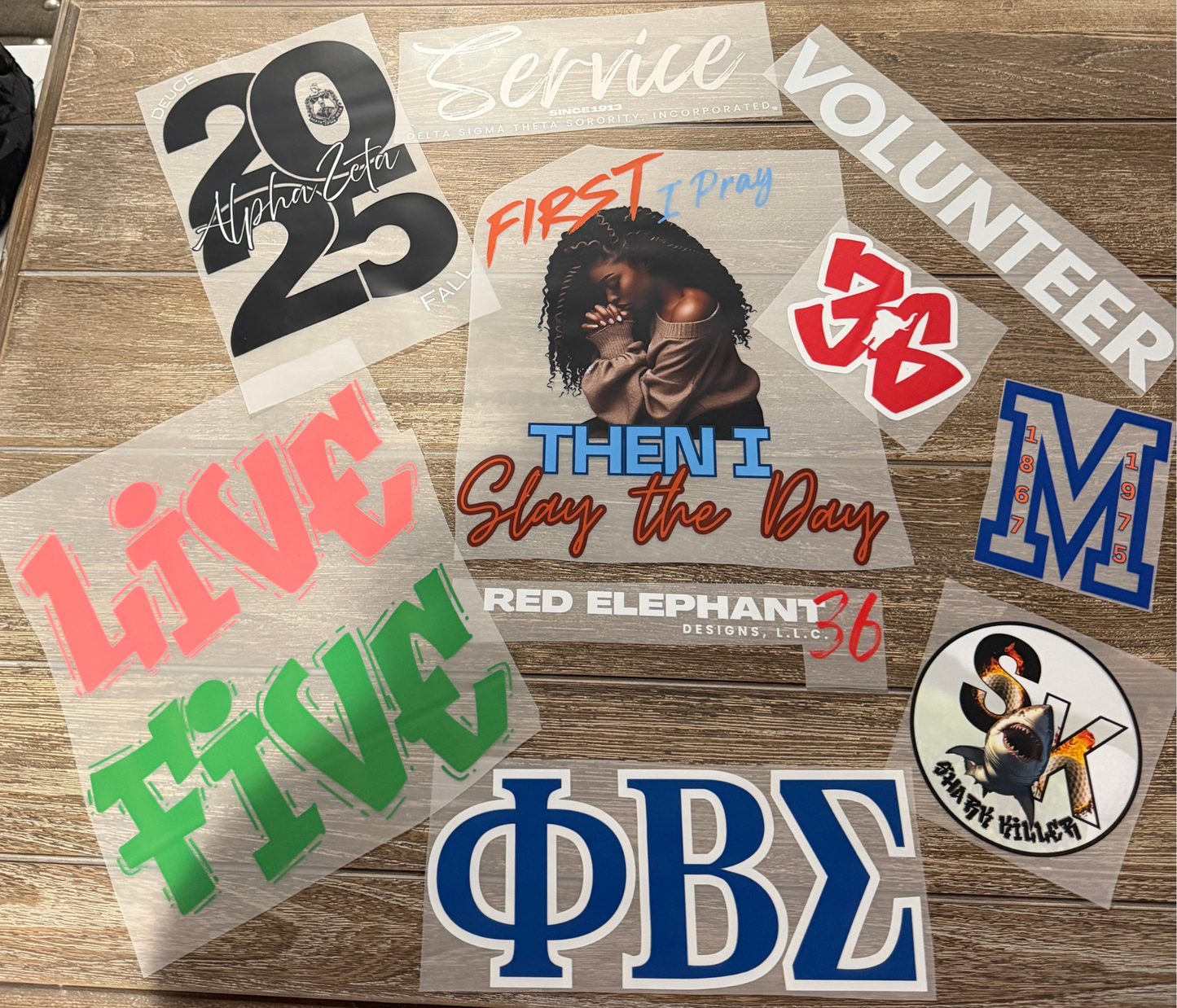
Welcome to RE36D's DTF Printer Center!
We are here to help you create and offer the best designs in the market!
To get the best possible DTF print quality, be sure to upload:
- a clean, high-quality design PNG with transparent background 300 DPI resolution RGB color mode
- remove unwanted backgrounds
- convert text to outlines
- remove half-tones
Need help? Our team will optimize your artwork for free before printing.
How to Press your DTF Design:
Follow these instructions for a perfect press every time!
STEP ONE: Pre-heat your machine to +/- 320 degrees Farenheit.
STEP TWO: Place your garment on the heat press and use either a ruler and/or garment ruler guide to ensure that you garment is properly placed on the pressing plate
STEP THREE: Press your garment for no more than 5 seconds to remove any moisture or wrinkles.
STEP FOUR: Press at 320°F for 20 seconds with firm pressure.
STEP FIVE: Remove garment from the heat press and allow the garment to cool
STEP SIX: Once cooled, peel the cover film and inspect the design for imperfections.
STEP SEVEN: Place garment back on the heat press and press 5-10 seconds.
STEP EIGHT: Allow the garment to cool and it is ready for packaging!
Share